Character Sheets That Do the Math
The best part of playing online might be never again hearing "hang on, let me add that up." Here's how to hand arithmetic to the software without handing it the game.

Digital Sheets Are the Foundation
Every serious VTT ships with, or supports, character sheets for popular systems. On Roll20 you choose a sheet when creating a game; on Foundry VTT you install a game system such as D&D 5e or Pathfinder 2e; Fantasy Grounds calls them rulesets. Get the sheet right and everything downstream — rolls, damage, conditions — works.
For D&D 5e, a lot of rules text is available under the System Reference Document (SRD 5.1), which Wizards of the Coast released under a Creative Commons license in 2023. That's why many free sheets come pre-loaded with basic spells and monsters. Anything beyond the SRD usually needs a purchased module.
Real table
Pencil, eraser, a sheet that's been rewritten four times.
Virtual table
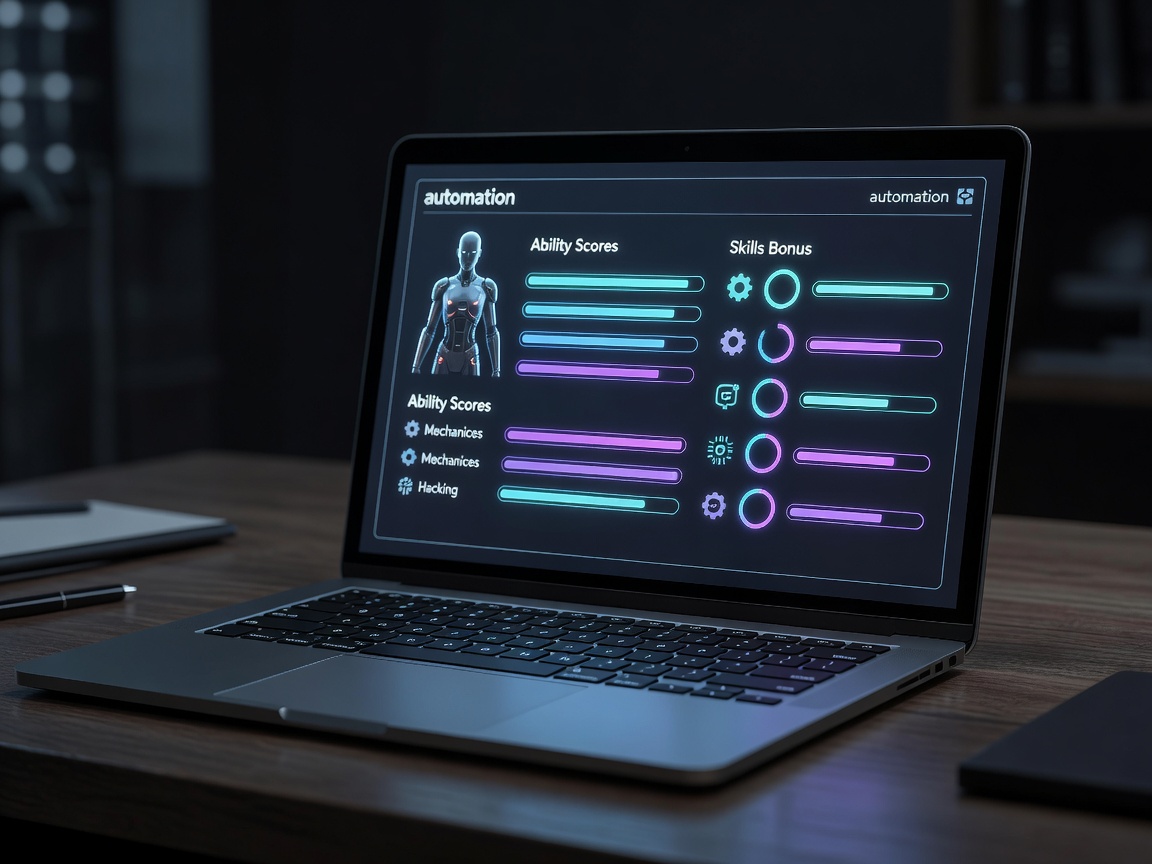
Level up in two clicks; the sheet recalculates every bonus.
Learn Five Roll Formulas
You don't need to be a programmer. Most platforms share a dice syntax close enough that these work on Roll20 and Foundry alike:
/r 1d20+5— a basic check with a modifier./r 2d20kh1+5— advantage: roll two, keep the highest./r 2d20kl1+5— disadvantage: keep the lowest./r 4d6kh3— classic ability score generation./gr 1d20or a whisper roll — a secret roll only the GM sees (syntax varies by platform).
Put the ones you use often into macros on a hotbar. A GM with "Perception (secret)" and "Random encounter" buttons saves minutes every session.

Modules and Scripts
Here's where platforms diverge. Foundry VTT has a vast community module ecosystem: Dice So Nice for 3D dice, Midi-QOL for heavy combat automation, and hundreds more. Roll20's Pro tier unlocks Mod (API) scripts for custom automation. Fantasy Grounds has a robust effects system that applies conditions and modifiers on its own, plus extensions from its community.
A word from experience: every module is a thing that can break when the platform updates. Install in small batches, keep a list of what you use and why, and update the week before a session, not the hour before.
Foundry tip: keep a separate test world. Install new modules there, poke them, and only then enable them in your campaign world.

When to Turn It Off
Full automation can make combat feel like a spreadsheet resolving itself. If players stop narrating because the hit, damage and hit-point update all happen in one click, dial it back. Some groups love fully automated attacks; others prefer rolling attack and damage separately so there's a beat of suspense between them.
- Automate: modifiers, damage totals, spell slot tracking, initiative order.
- Keep manual: whether a creative plan works, rulings, fudging for drama (if your table does that), anything narrative.
- Ask the group at session zero which way they lean — and revisit after three sessions.
Physical dice lovers aren't left out, either. Many groups let players roll real dice on camera and type the result in. The software tracks the math; the table keeps the clatter.