Building Battlemaps That Load Fast
Nothing kills a dramatic reveal like a progress bar. Here's how to build maps that look great, load quickly, and hide exactly what they should until the right moment.
Size the Grid First
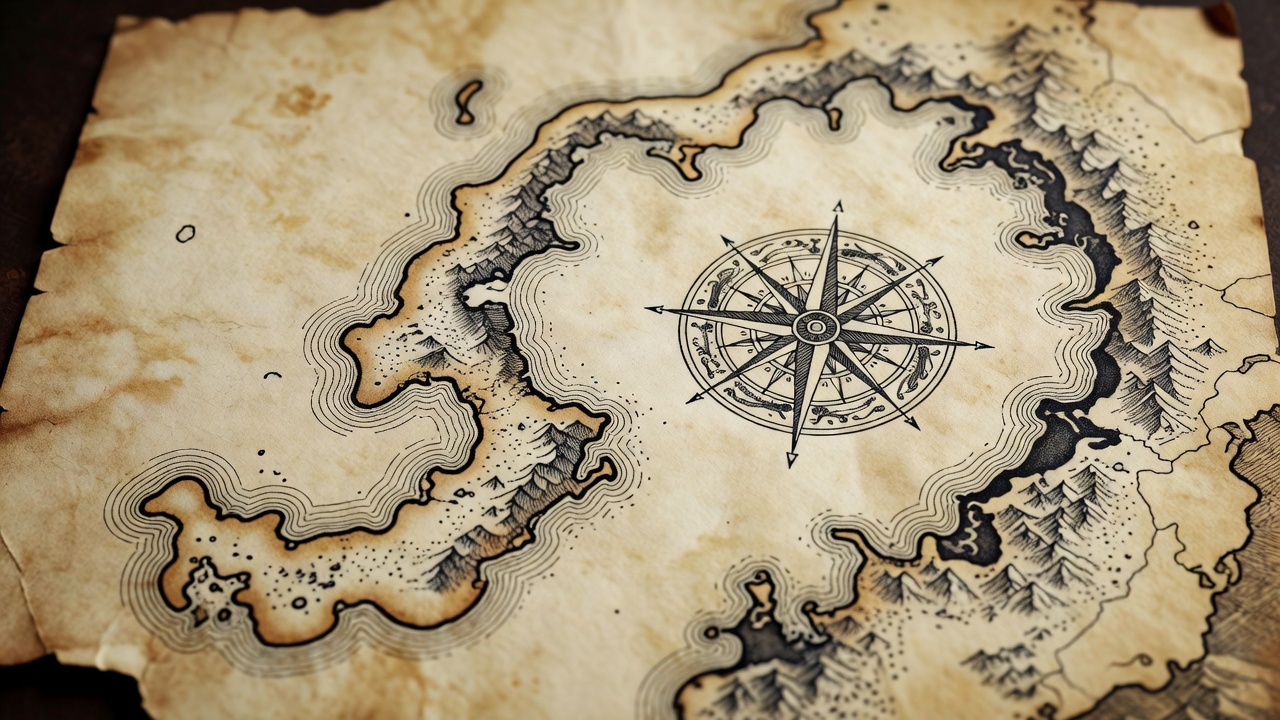
Every VTT thinks in grid squares. Foundry VTT defaults to 100 pixels per square; Roll20 uses 70. Most commercial map makers export at one of those, or at 140 or 200 for print-quality detail. Match the map's pixels-per-square to the scene's grid setting and alignment becomes a non-issue.
Bigger isn't automatically better. A 40×40 square map at 200 px per square is 8000×8000 pixels — around 64 megapixels that every player's machine has to download and hold in memory. At 100 px per square it's a quarter of that, and on a 1080p screen almost nobody can tell.
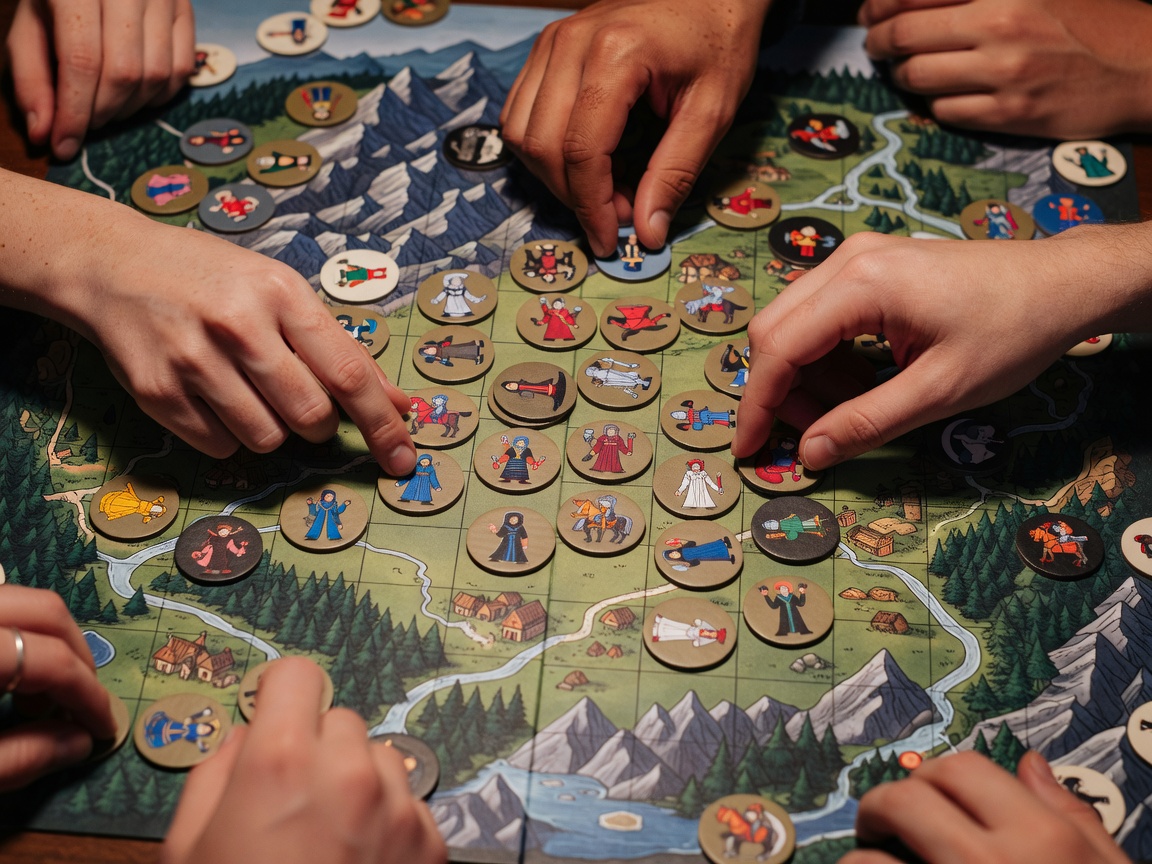
Real table
One-inch squares on a vinyl mat, because the minis are 28 mm.
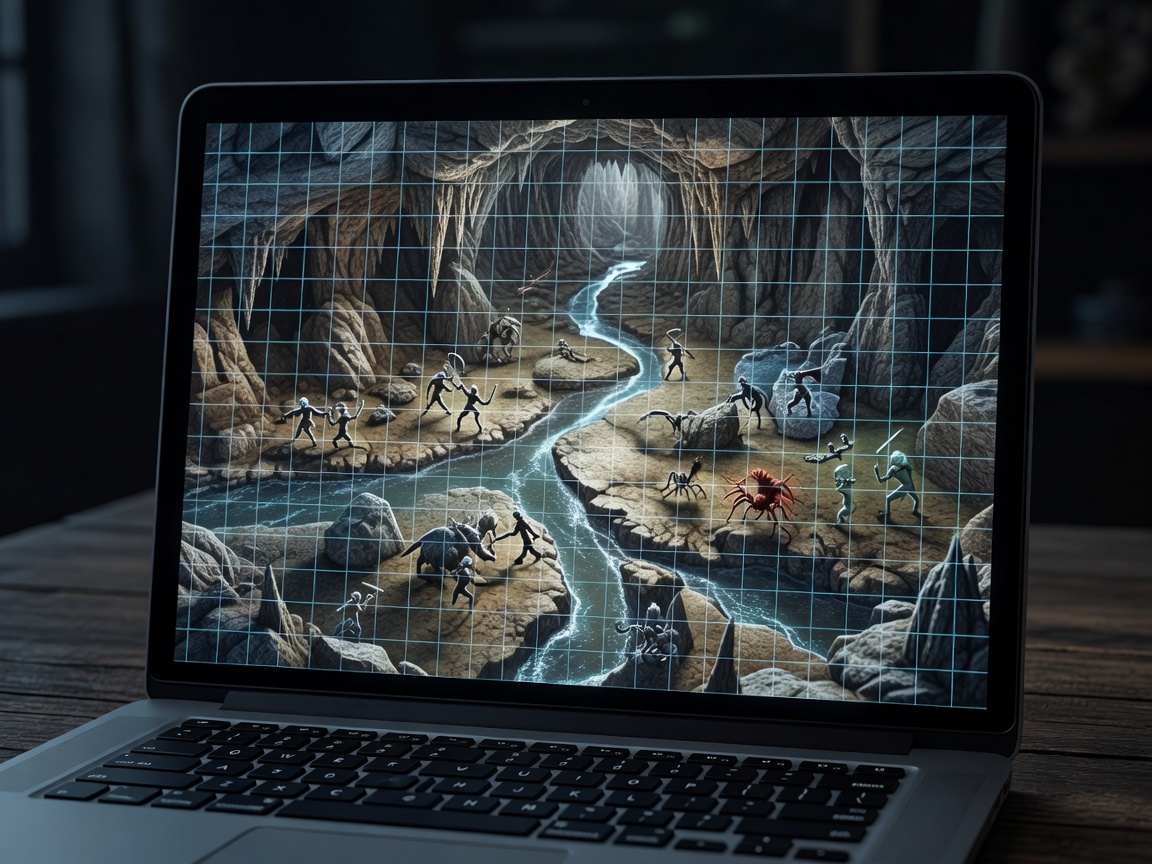
Virtual table
100 px squares, because the players' laptops are three years old.
Pick the Right File Format
Use WebP where your platform supports it — Foundry and Owlbear Rodeo handle it well — and aim for maps under about 5 MB. JPEG at roughly 80% quality is the safe fallback. Save PNG for things that need transparency, like tokens and overlays, not for huge painted backgrounds.
Animated maps (flowing lava, flickering torches) are lovely and heavy. Use WebM video if the platform supports it, keep loops short, and offer a static version for players on weak connections.
If you build maps in Dungeondraft, Dungeon Alchemist or similar tools, look for the Universal VTT export (.dd2vtt). It carries the image plus walls, doors and light sources, and importer modules can turn that into a ready scene in seconds.
Walls, Light and Fog
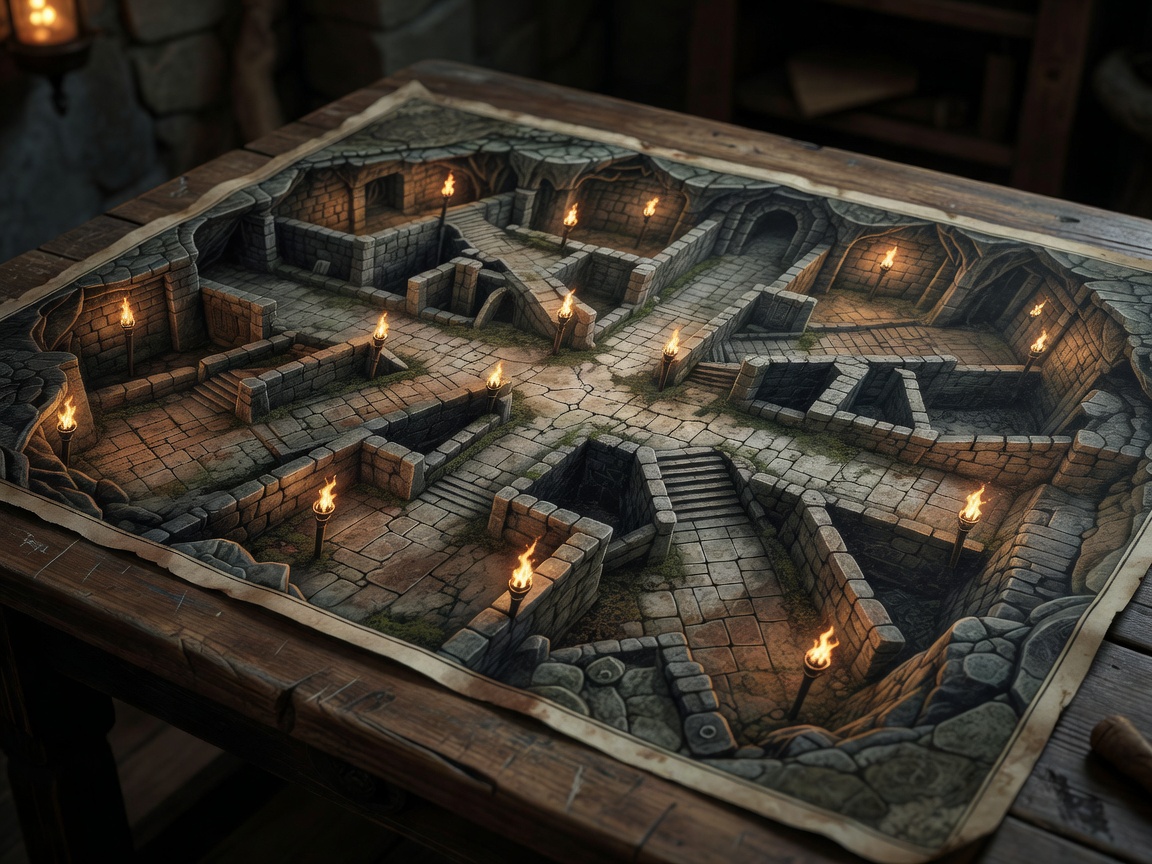
Fog of war hides unexplored areas; dynamic lighting goes further and calculates what each token can actually see. Both depend on walls. Draw wall lines along the edges of rooms, mark doors as doors so players can open them, and leave windows as see-through but impassable.
Keep walls simple. A wall with forty tiny segments around a cave bump costs performance and looks the same as one with eight. When something feels off — a player seeing through a corner — it's usually a gap between two wall endpoints. Snap them together.
No dynamic lighting on your plan? Manual fog still works beautifully. Reveal rooms by hand as players enter. It's the digital version of sliding the paper back, and it keeps you in the storyteller's seat.
Tokens That Read at a Glance
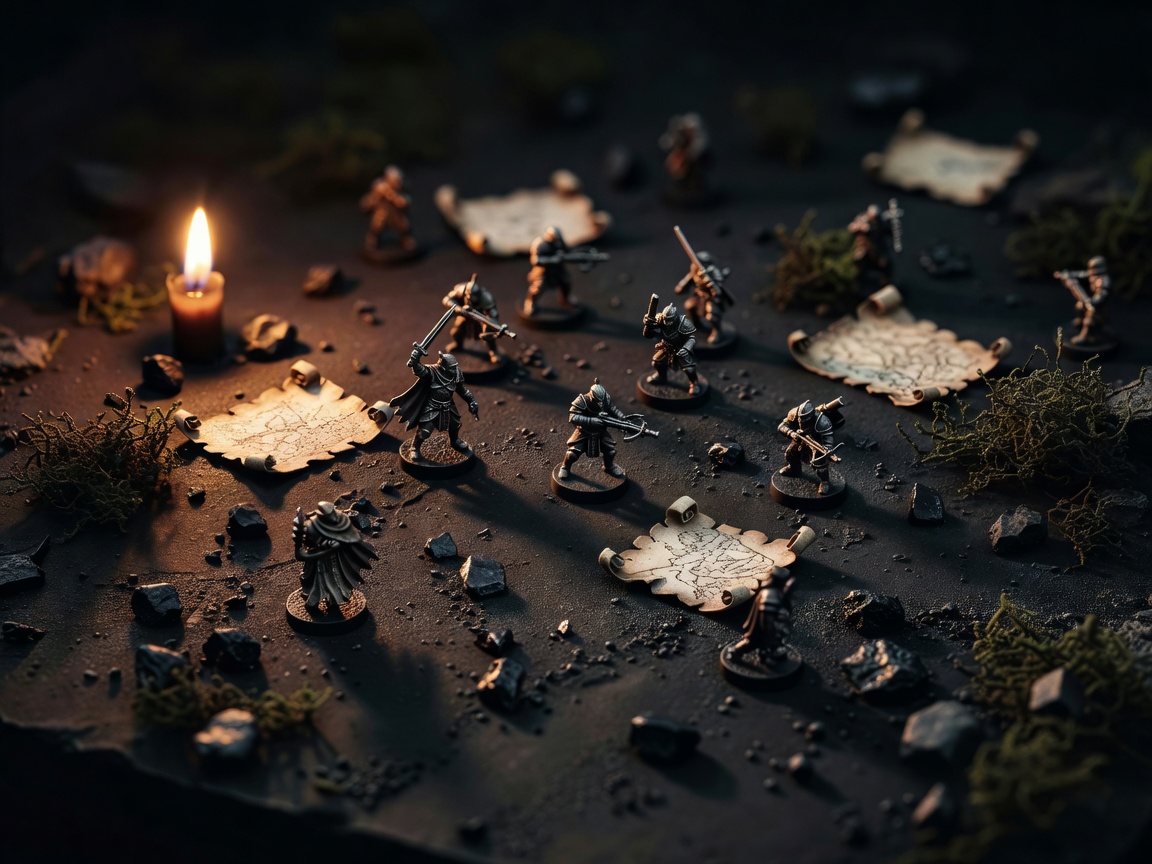
A token is a miniature that has to be recognisable at 50 pixels wide. Use clear, high-contrast art, crop to the face or silhouette, and frame it in a ring colour that means something: party members in one colour, allies in another, enemies in a third.
- Export tokens at 256–400 px square with transparent backgrounds.
- Size them to the grid: Medium is one square, Large two by two, Huge three by three.
- Name tokens consistently ("Goblin 1", "Goblin 2") so players can call targets clearly.
- Link player tokens to their character sheets so hit points and conditions show on the map.
Finally, keep a "prep scene" for each session with the next map already loaded and tested. Swap to it when the party opens the door, and the moment lands the way it would in person.